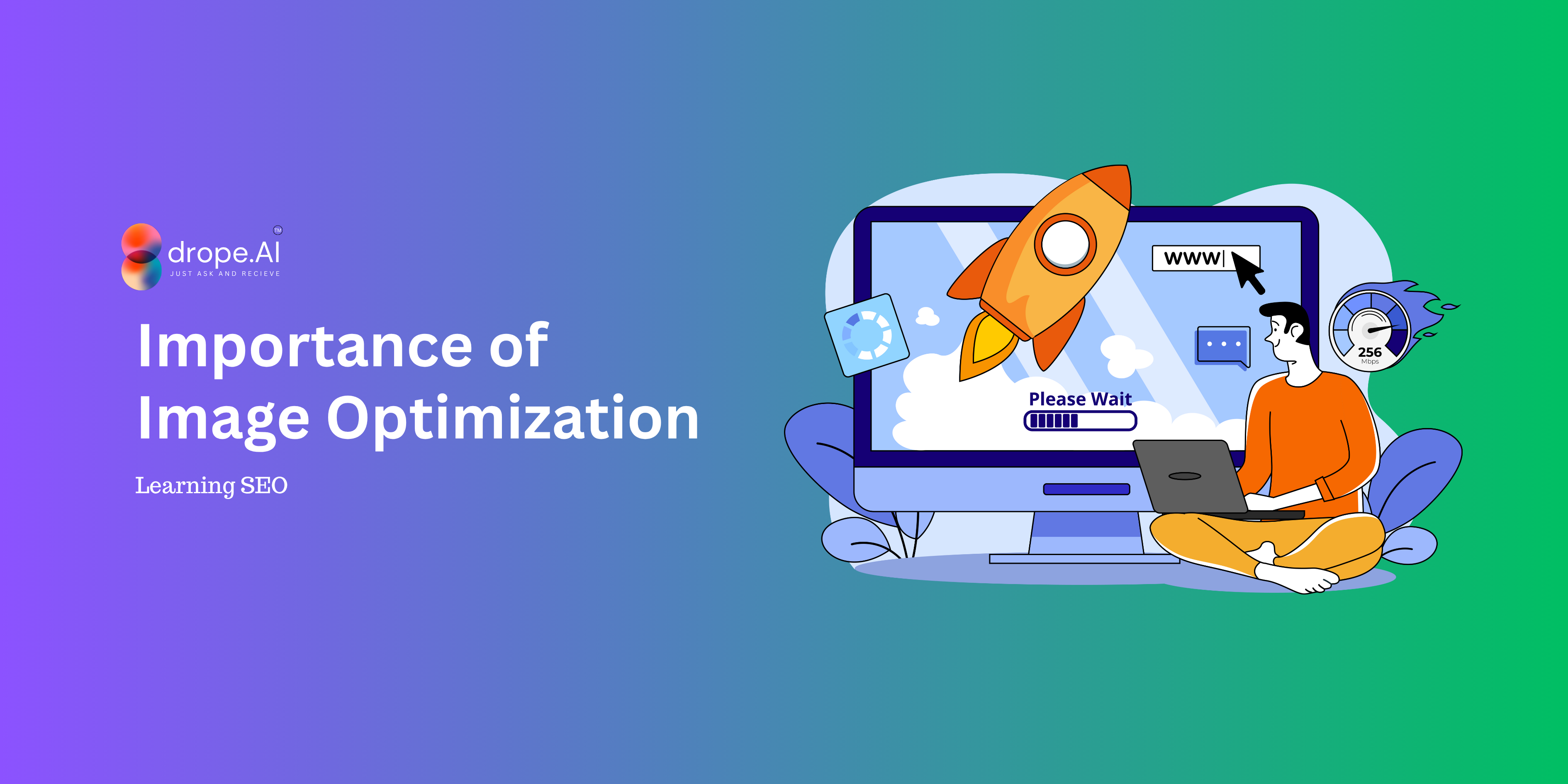
Image optimization means making sure the images on your website contribute positively to your SEO (Search Engine Optimization) rather than hurting it.
Okay, let's break down Image Optimization for SEO, focusing specifically on Alt Text and File Size.
Image Optimization: A Quick Overview
Image optimization means making sure the images on your website contribute positively to your SEO (Search Engine Optimization) rather than hurting it. Poorly optimized images can slow down your site, make it harder for search engines to understand your content, and ultimately impact your ranking.
1. Alt Text (Alternative Text)
What it is: Alt text is a short, descriptive text that you add to an image's HTML code. It acts as a substitute for the image when the image can't be displayed (e.g., slow internet, broken image link, or for users with visual impairments).
Why it matters for SEO:
Accessibility: Screen readers use alt text to describe the image to visually impaired users. Providing proper Alt text will ensure your website is accessible.
Context for Search Engines: Search engines like Google "see" alt text, helping them understand what the image is about. This helps them index the image and associate it with relevant search queries. This is where a key part of SEO comes into play.
Relevance: The relevance of the image with the page content. The Alt Text ensures that your image is relevant to the current content.
Anchor text: If an image is linked to another page on your website, the alt text of that image serves as anchor text.
Example:
Bad Alt Text: <img src="dog.jpg" alt=""> (Empty alt text provides no information).
Better Alt Text: <img src="dog.jpg" alt="Dog"> (Slightly descriptive, but can be improved)
Good Alt Text: <img src="dog.jpg" alt="Golden Retriever puppy playing fetch in a park"> (Descriptive, uses keywords, and provides context).
Contextual Alt Text: If the dog picture is on a page about dog breeds: <img src="dog.jpg" alt="Golden Retriever breed characteristics"> (More targeted for SEO and relevance).
Key Takeaways for Alt Text:
Be descriptive but concise. Aim for a few words or a short phrase.
Include relevant keywords (naturally, don't stuff them).
Describe the image's content, not just what it is but what it shows. Consider the image's purpose on the page.
If the image is purely decorative and adds no value, use an empty alt attribute: alt="".
2. File Size
What it is: The digital size of an image, usually measured in kilobytes (KB) or megabytes (MB).
Why it matters for SEO:
Page Speed: Large image files significantly slow down your website's loading time. Page speed is a crucial ranking factor for Google.
User Experience: Slow loading sites frustrate users, leading to higher bounce rates (users leaving your site quickly).
Bandwidth: Large images consume more bandwidth, which can be costly if you have high traffic.
Example:
A high-resolution photograph straight from a digital camera might be 5MB. This is far too large for most web uses.
The same image, properly optimized, might be 200KB without a noticeable loss in quality.
Key Takeaways for File Size:
Optimize Before Uploading: Reduce the file size before you upload the image to your website.
Choose the Right File Format:
- JPEG/JPG: Best for photographs and images with many colors.
- PNG: Best for graphics, logos, and images with transparency.
- WebP: Modern format offering excellent compression and quality (but not supported by all browsers).
Use Compression Tools: Use image compression tools to reduce file size without sacrificing too much quality. There are many free online options.
Resize Appropriately: Don't upload images that are far larger than the space they will occupy on the page. Resize them to the required dimensions.
Think Mobile: Be especially mindful of file sizes for mobile users, who may have slower internet connections.
In simple terms, when you focus on optimized images, Search Engines will easily access all the information about that image. This will help them to rank your image and improve your SEO.